
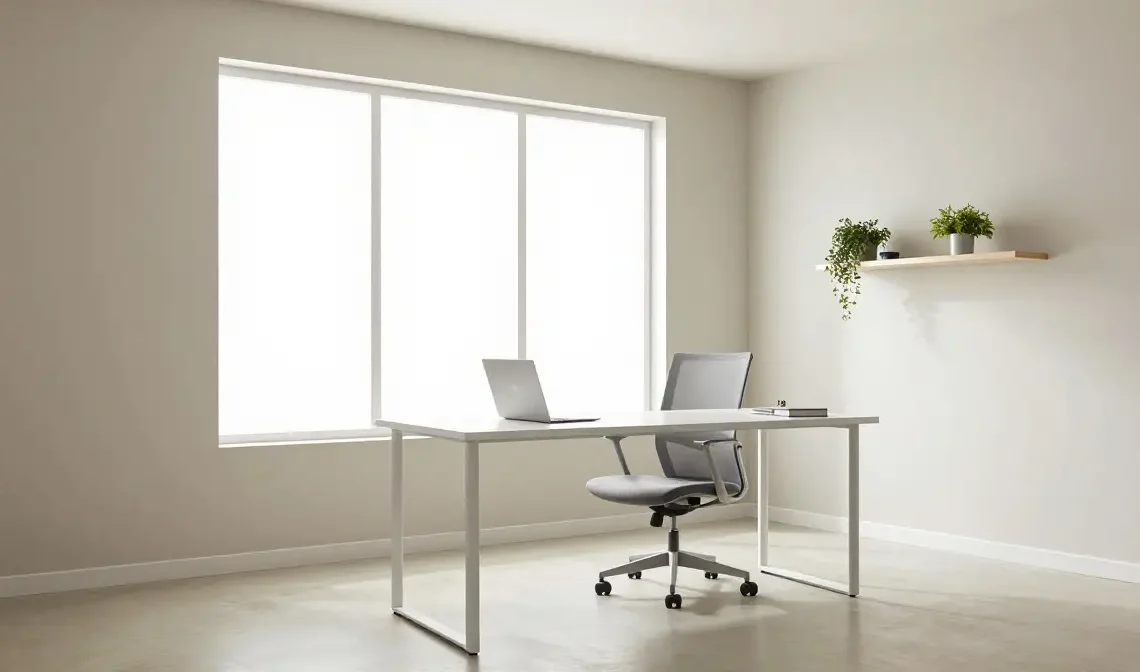
Introduction
Your home office design matters more than you might think. The way your workspace looks and feels has a direct effect on how well you work, how long you stay focused, and honestly, how much you enjoy showing up to your desk each morning. Whether you are working from a full spare room or carving out a corner of your bedroom, the right setup can make a surprising difference.
This article covers 22 practical and stylish home office ideas that work for real spaces and real budgets. Some are simple swaps you can do this weekend. Others are bigger changes worth planning for. Either way, you will find something useful here.
Choose a Dedicated Spot in Your Home
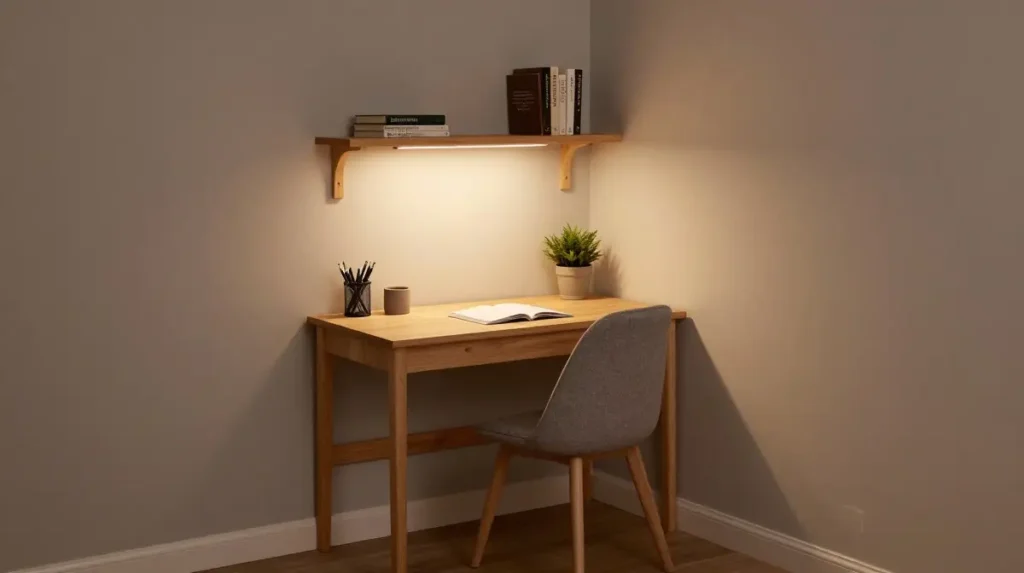
Before anything else, decide where your workspace will live. A dedicated workspace, even a small one, helps your brain shift into work mode. It does not need to be a full room. A corner in the living room, a spare closet converted into an office nook, or a quiet end of the bedroom can all work well.
What matters is that the spot feels separate from your relaxation areas. Once you draw that line, everything else becomes easier.
Get Your Desk Placement Right
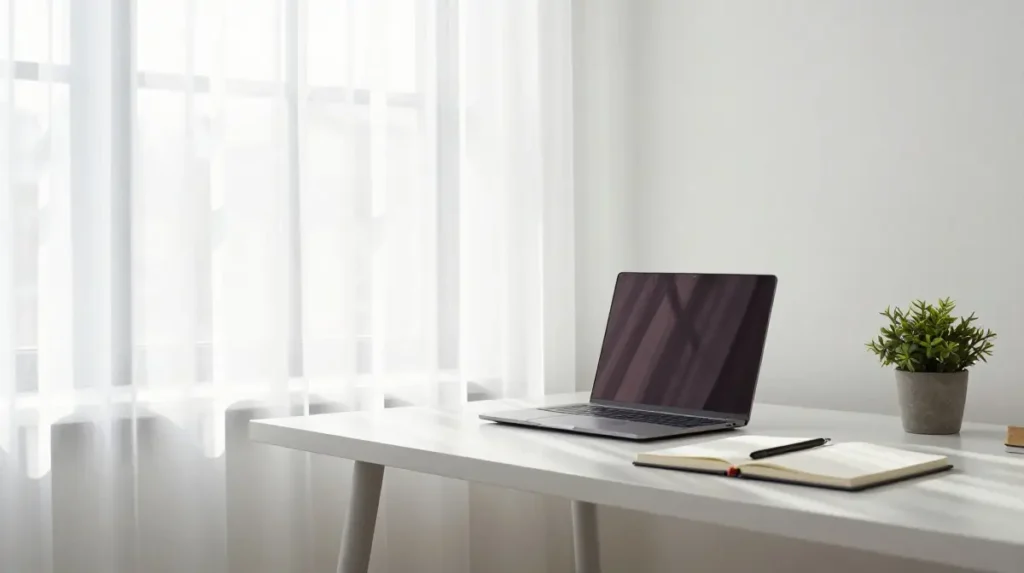
Where you place your desk shapes your entire workday. Ideally, position your work from home desk near a window so you benefit from natural light without it creating glare on your screen. Placing the desk facing a wall can help with focus, while facing the room can feel more open and airy.
Avoid placing your desk directly under harsh overhead lighting, and be mindful of what appears behind you during video calls.
Pick Furniture That Actually Fits Your Space
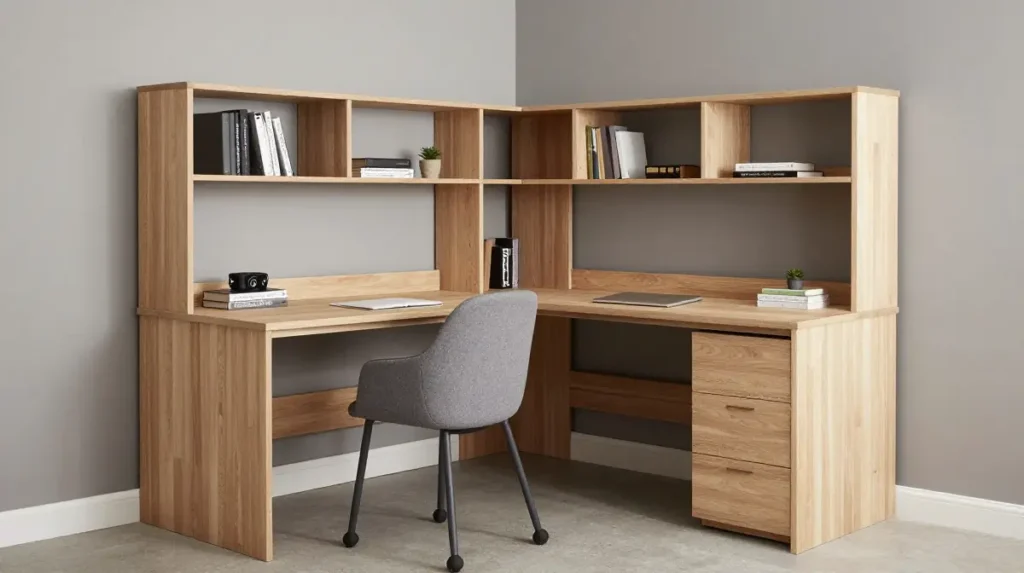
Home office furniture should suit the size of your room, not just look good in a catalogue. A large executive desk in a small room creates chaos, while a tiny floating desk in a large room can feel underwhelming.
Measure your space before purchasing anything. Look at corner office desk options if you are working with an awkward layout. L-shaped desks offer generous surface area without taking over the room.
Invest in an Ergonomic Chair
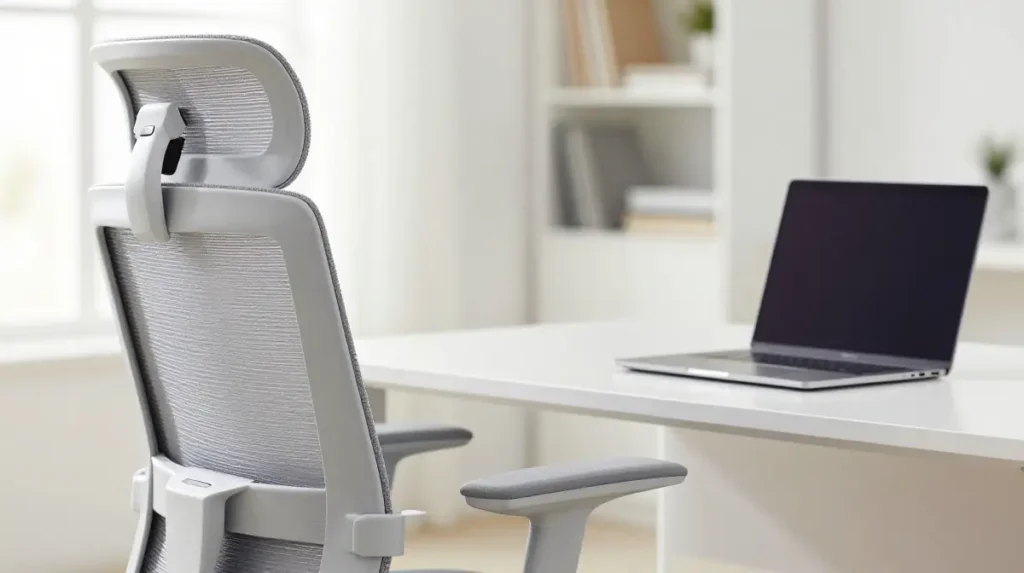
An ergonomic home office setup starts with a good chair. If you are sitting for six to eight hours a day, comfort is not optional. Look for a home office chair with lumbar support, adjustable armrests, and seat height control.
You do not have to spend a fortune. Mid-range ergonomic chairs offer solid support, and many budget-friendly options have improved significantly in recent years.
Consider a Standing Desk
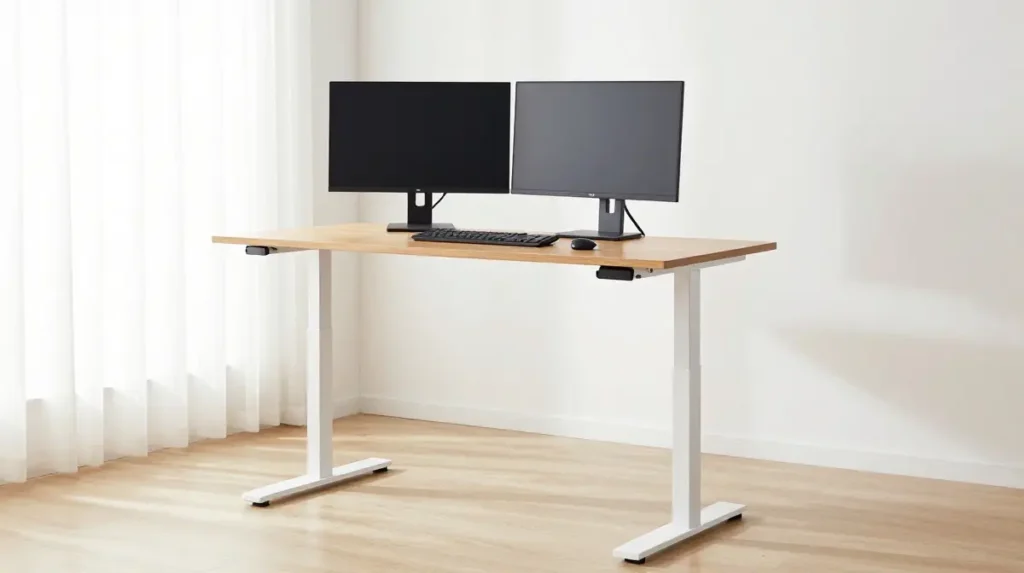
A standing desk home office setup is one of the most popular choices for remote workers who want to stay comfortable throughout the day. Sit-stand desks allow you to alternate between positions, which reduces the physical strain of long work sessions.
If a full standing desk is outside your budget, a desktop riser placed on your existing desk offers a similar benefit at a fraction of the cost.
Layer Your Lighting Thoughtfully
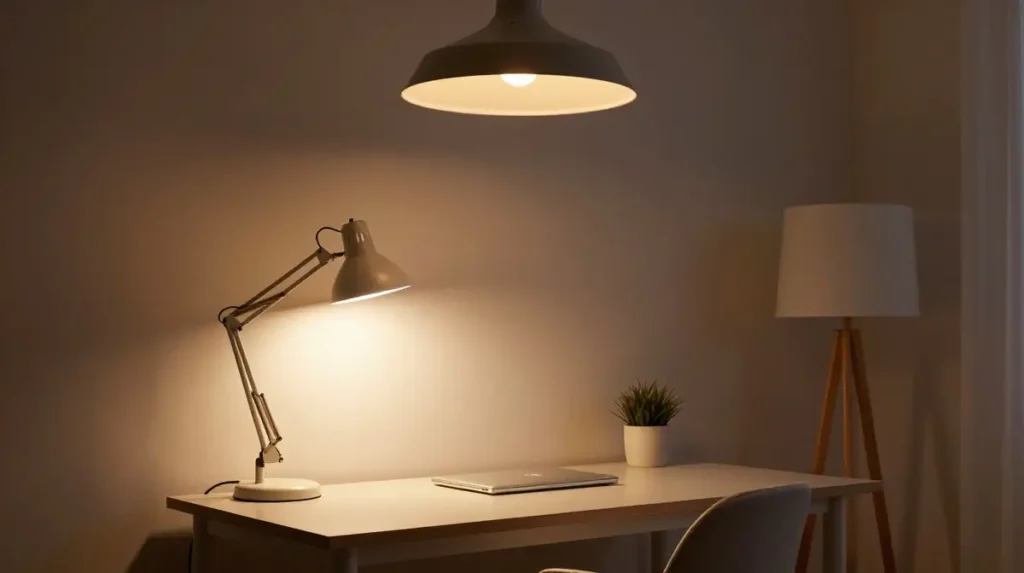
Home office lighting can be the difference between a headache-inducing afternoon and a genuinely comfortable workday. Layer three types of light: ambient lighting for overall brightness, task lighting focused on your desk surface, and accent lighting for warmth and mood.
A simple desk lamp with adjustable brightness goes a long way. Avoid working in a room lit only by a single overhead bulb, especially in the evenings.
Use Natural Light as Much as Possible
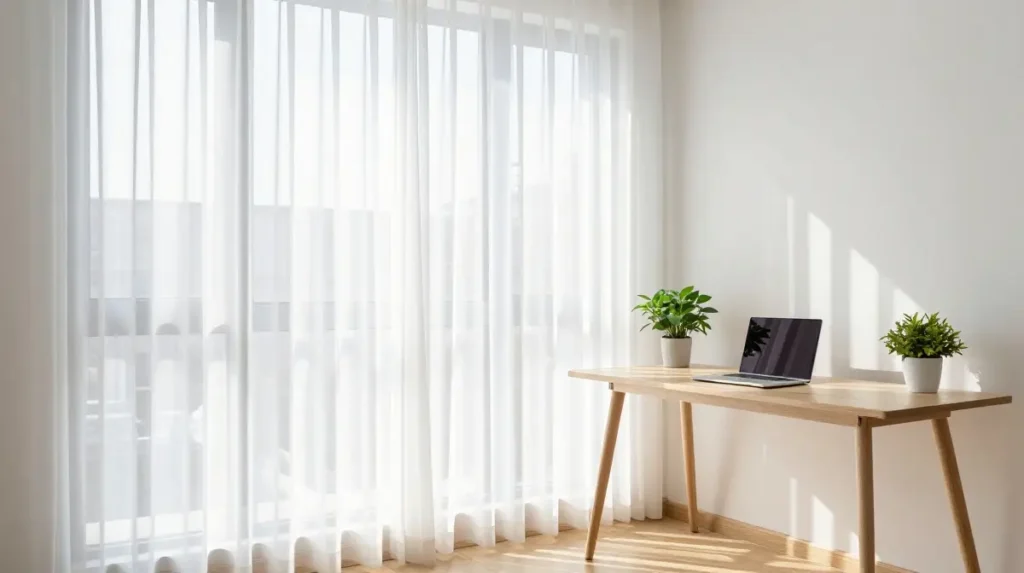
A home office with natural light feels more inviting and is better for your eyes and mood. Position your desk to benefit from daylight without facing the window directly, which can cause screen glare.
Sheer curtains or adjustable blinds work well here. They let in soft, diffused light while giving you control when the sun shifts position throughout the day.
Keep Storage Organized and Accessible
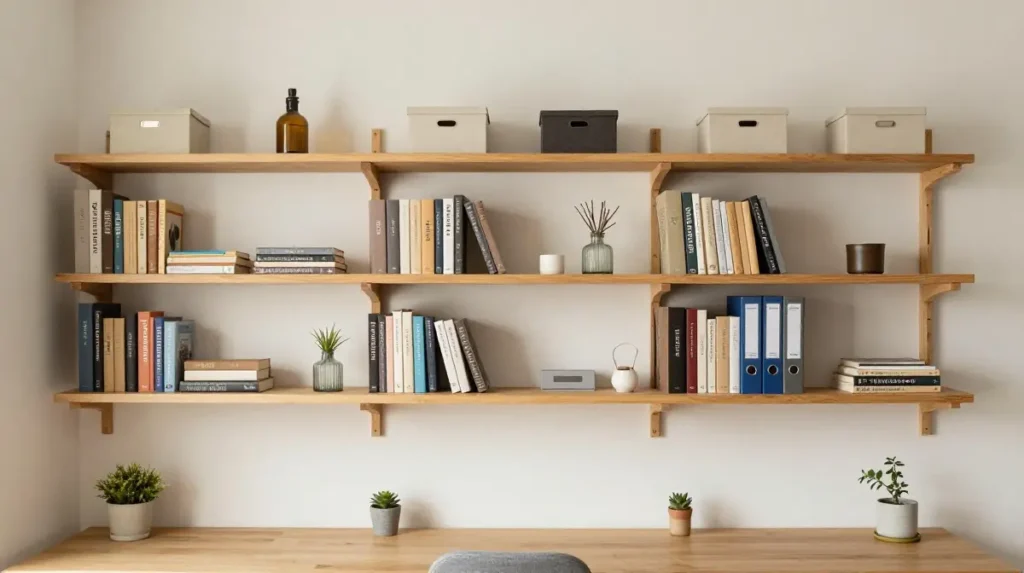
Home office storage solutions do not need to be complicated. Open shelving, built-in cabinets, and drawer organizers each serve a different purpose. The key is keeping items you use daily within arm’s reach and storing less-used items out of the way.
Home office shelving above the desk is a practical choice for small spaces. It keeps your desk surface clear while giving you visible storage for books, files, and decorative items.
Try a Minimalist Approach
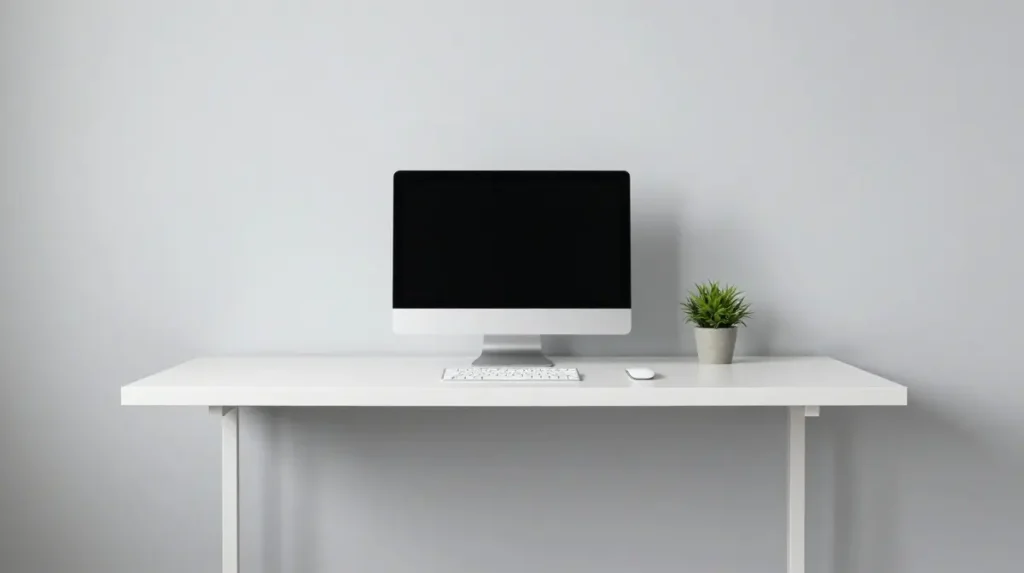
A minimalist office design removes visual noise so your mind can focus. This does not mean the space needs to be cold or empty. It means choosing pieces with purpose and avoiding clutter.
Stick to a simple color palette, hide cables properly, and only keep items on your desk that you genuinely use. A clean, uncluttered surface tends to produce calmer, more focused thinking.
Add Personality With Wall Decor
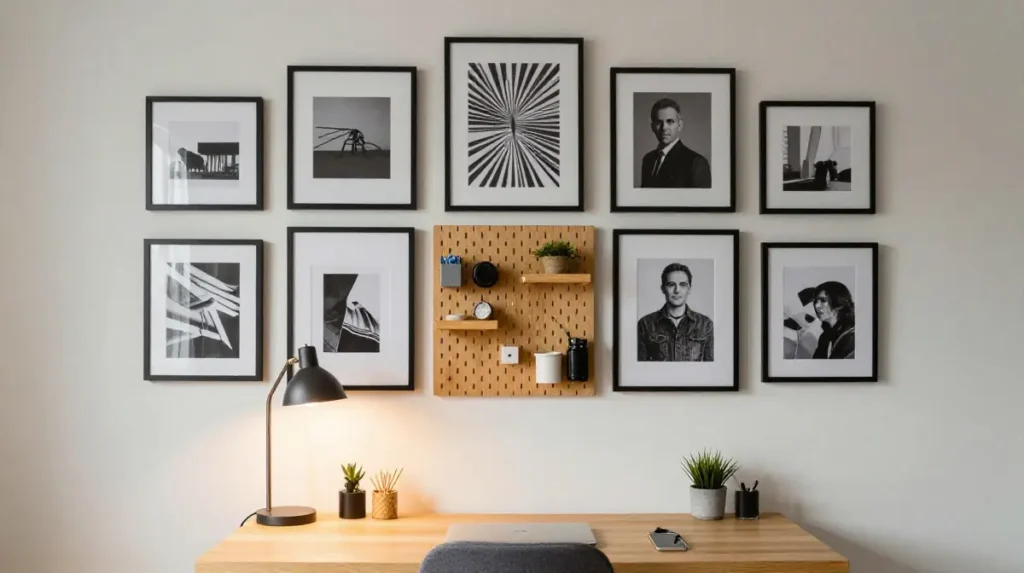
Home office wall decor is one of the easiest ways to make a workspace feel personal without spending much. A gallery wall of framed prints, a pegboard for tools and supplies, or a large simple print behind your desk all add character.
For video call backgrounds, a styled wall with a few well-chosen pieces looks professional and thoughtful without appearing staged.
Bring in Plants
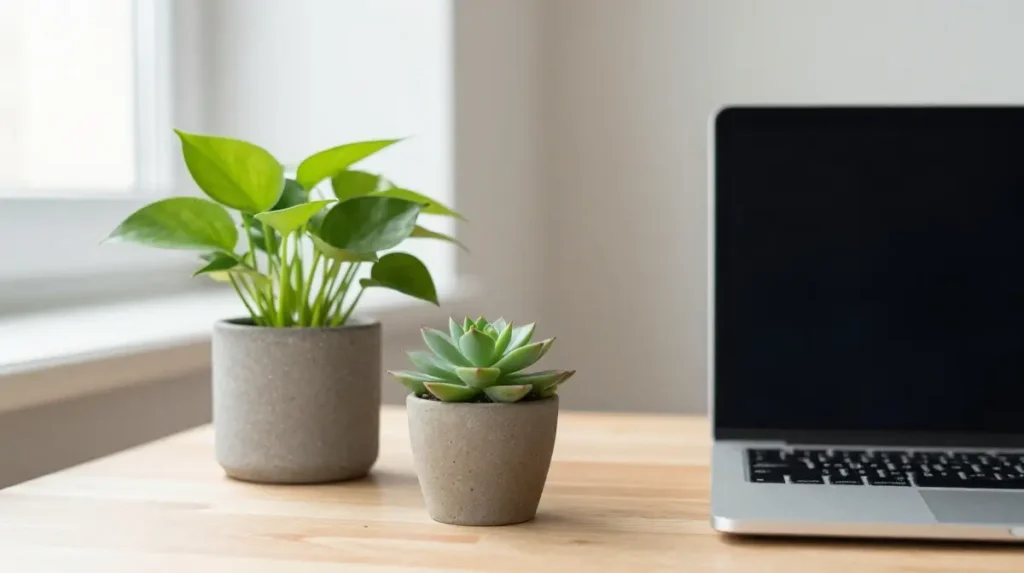
Biophilic design in a home office simply means adding natural elements, most commonly plants. Even one or two small plants on or near your desk can improve how the space feels. They add color, soften hard edges, and create a sense of calm.
Choose low-maintenance varieties like pothos, snake plants, or small succulents if you are not particularly experienced with plant care.
Work With Color Intentionally
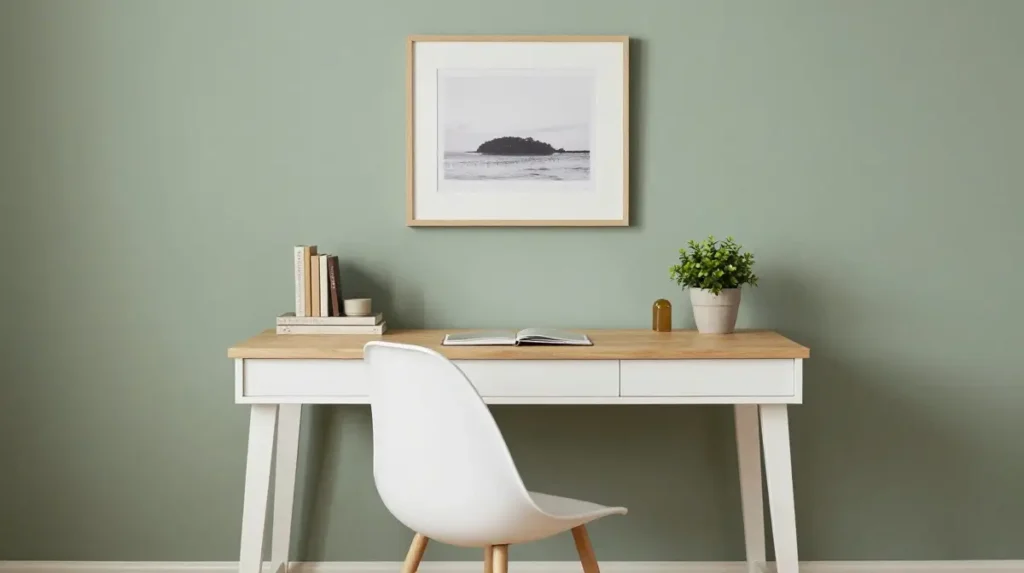
Home office paint colors affect mood in subtle but real ways. Soft whites and light greys keep a space feeling open and clean. Muted greens and blues are calming and work well for long focus sessions. Warmer tones like terracotta or warm beige add energy and creativity.
A gender-neutral office design often leans on warm neutrals, natural textures, and clean lines that feel welcoming without being overly styled in one direction.
Create a Dual Monitor Setup That Works
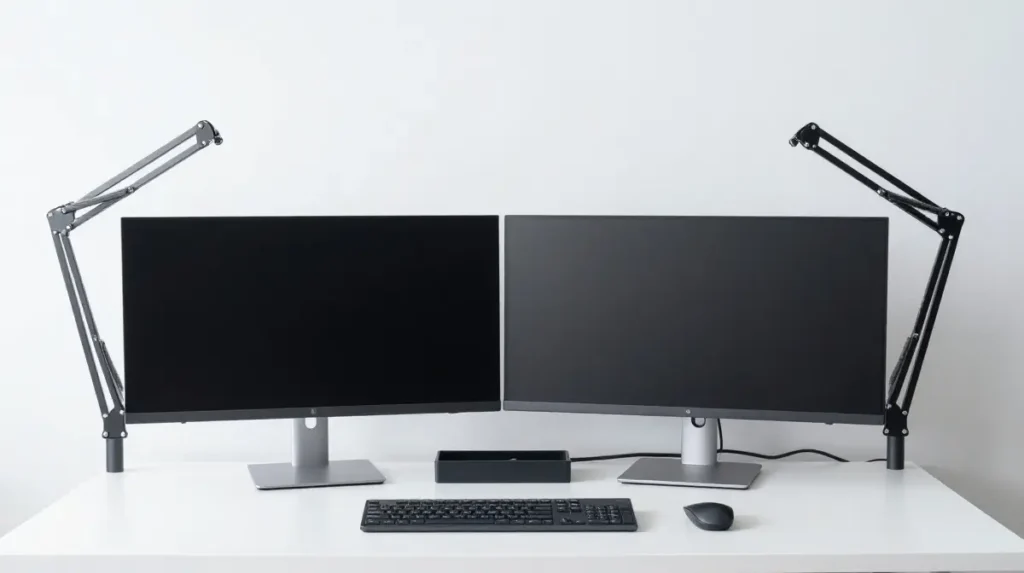
A dual monitor home office setup significantly increases working surface without requiring a larger desk. The key is positioning. Both screens should sit at eye level, with your primary monitor directly in front and the secondary one angled slightly to the side.
A monitor arm or adjustable stand makes this easier and frees up desk space beneath the screens.
Manage Cables Properly
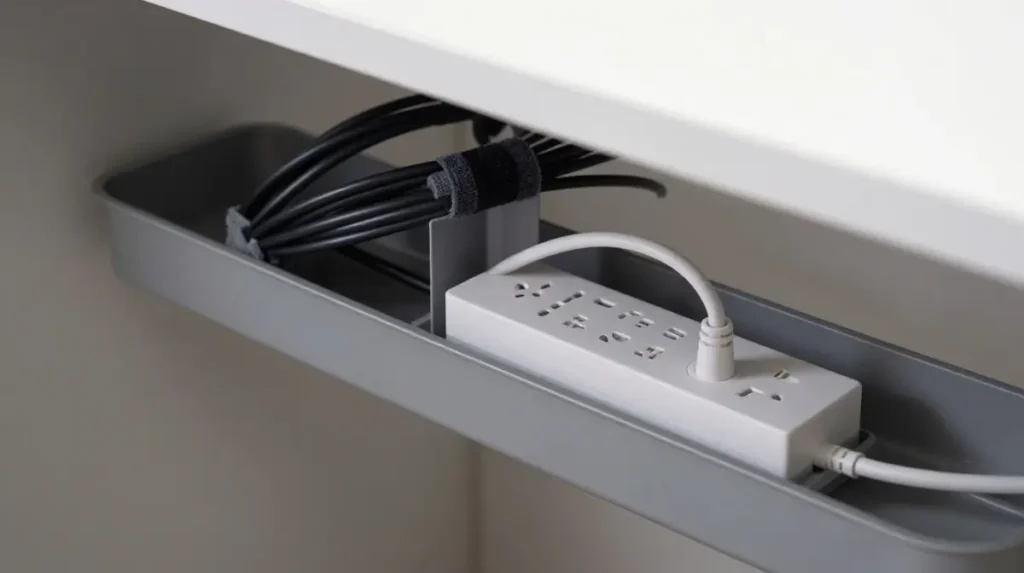
Cable management is one of those details that makes a home office look polished instead of chaotic. Use cable clips, velcro ties, or under-desk cable trays to group and hide cords. A cable box or power strip with a cover keeps the floor near your desk tidy.
This is a small change that makes a large visual difference.
Make the Most of a Small Space
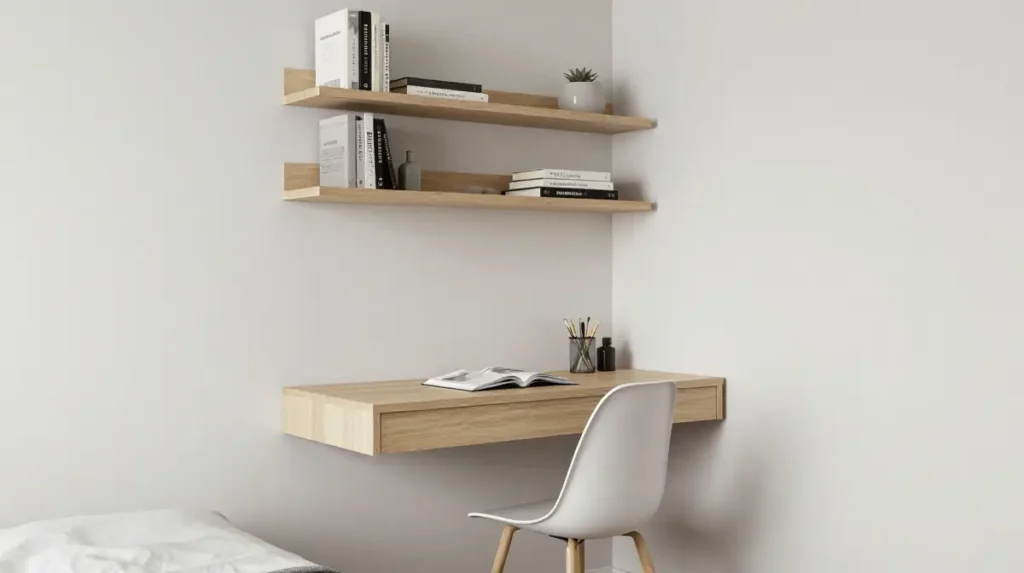
Compact home office ideas work when you think vertically. Use the wall above your desk for shelving, hooks, or a pegboard. Choose furniture with built-in storage. A floating desk with no legs takes up less visual space and makes a room feel less cramped.
A home office in the bedroom or a home office in the living room can both work beautifully when furniture is scaled correctly and the layout is intentional.
Explore Different Design Styles
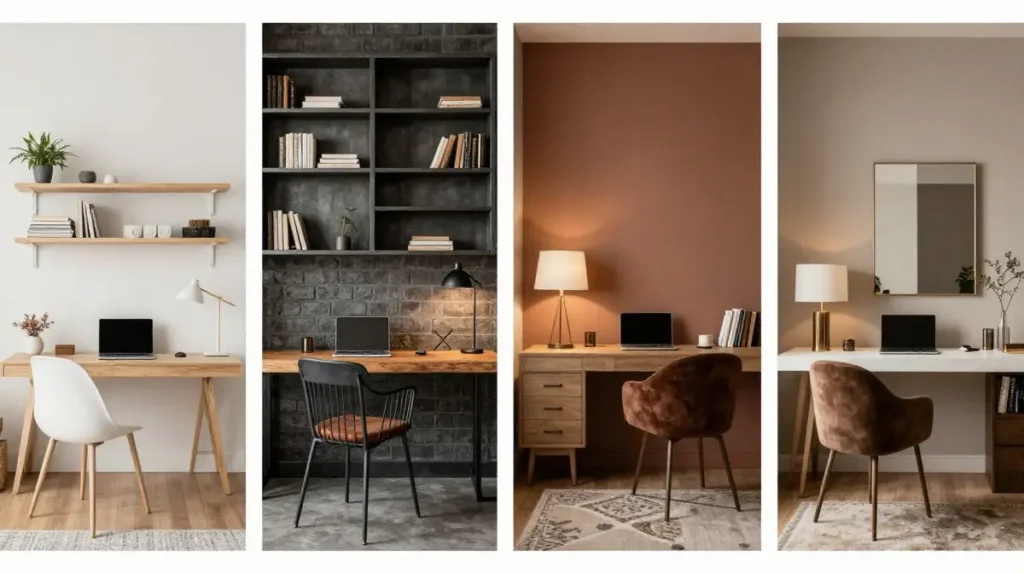
Your home office decor should reflect a style that genuinely appeals to you, because you will be spending a lot of time there. Some popular directions include:A Scandinavian home office features clean lines, natural wood, white walls, and simple textures. It feels calm and organized.
An industrial home office leans into exposed brick, dark metal, and raw materials. It has a bold, urban feel.
A cozy home office incorporates warm lighting, soft textiles, rich colors, and personal touches that make the space feel inviting rather than strictly professional.A luxury home office prioritizes premium materials, layered lighting, and considered styling in every detail.
Add Acoustic Solutions
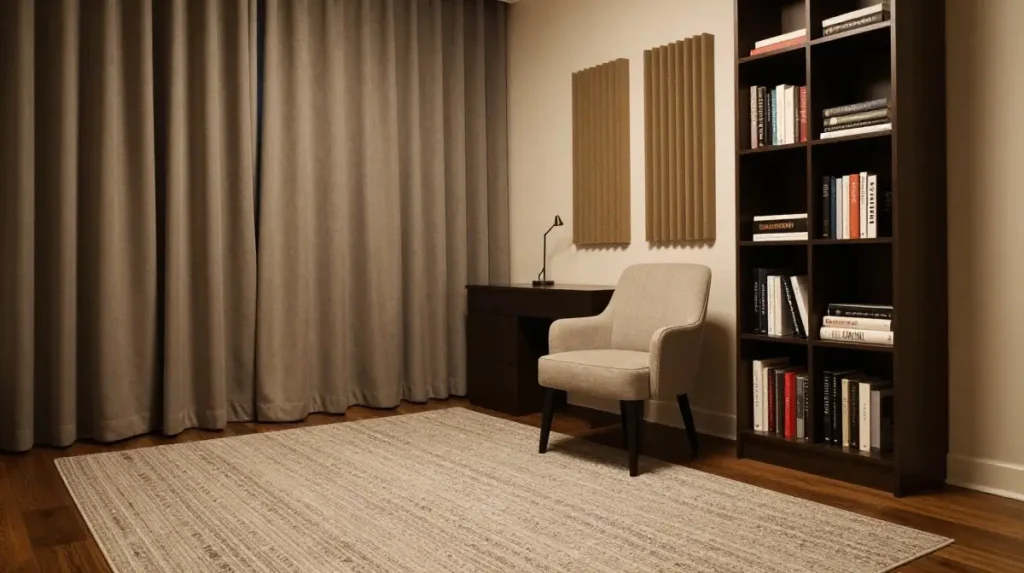
If you live with others or work in a noisy area, acoustic solutions for your home office are worth considering. Soft furnishings absorb sound naturally. A rug, curtains, upholstered furniture, and even books on shelves all help reduce echo and outside noise.
For serious noise issues, acoustic panels on the wall can make a significant difference, and they come in styles that double as decor.
Plan for Tech and Connectivity
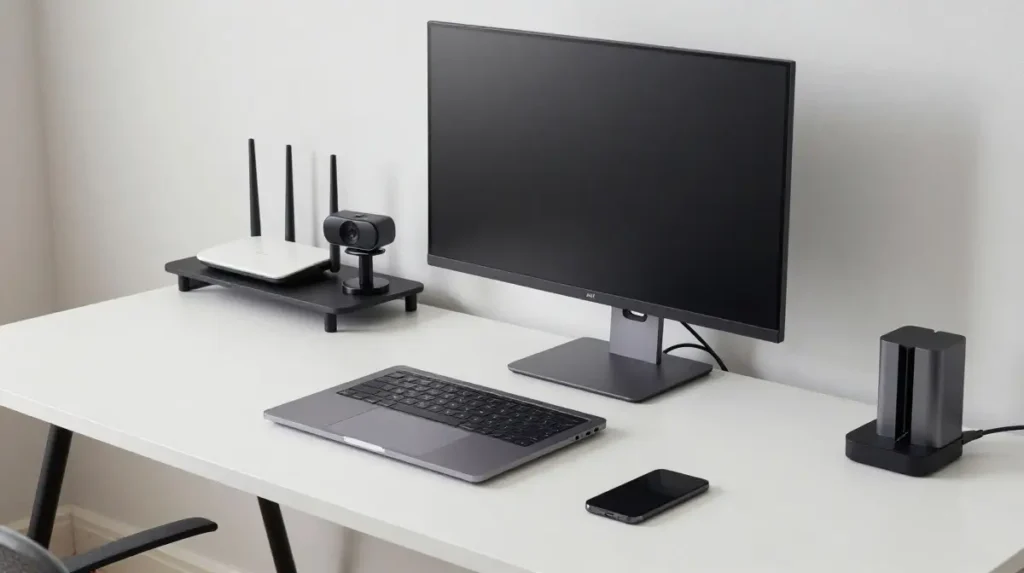
A good home office tech setup goes beyond just the computer. Think about router placement for strong signal, cable organization, webcam positioning for calls, and whether you need a monitor, printer, or other peripherals.
Keep charging cables accessible but tidy, and plan your outlet usage before arranging furniture.
Design for Video Calls
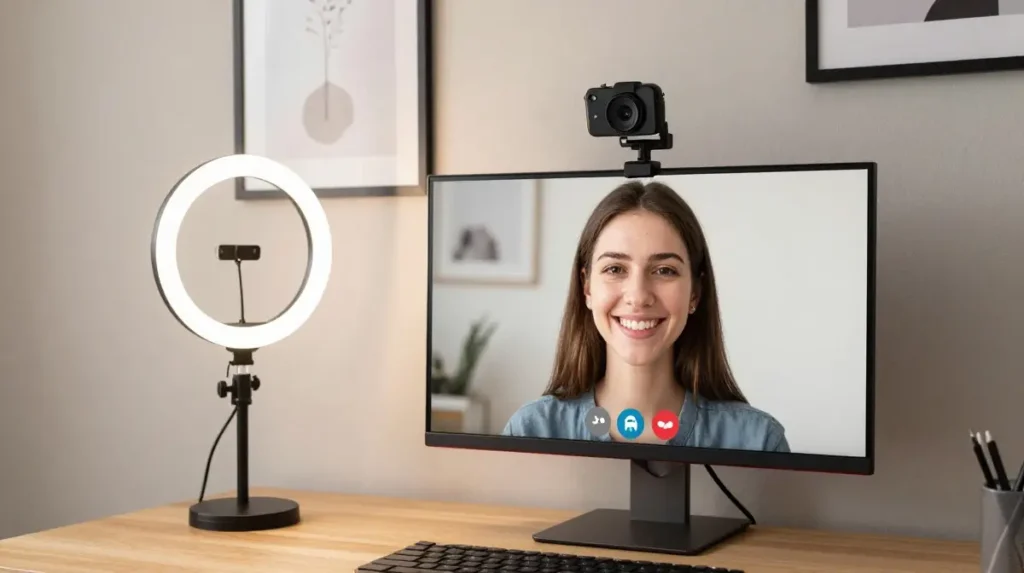
Since video calls are now a regular part of remote work life, it helps to think about your space from the camera’s perspective. Good lighting in front of your face, a tidy background, and a camera positioned at eye level all make a positive impression.
A ring light or a well-placed desk lamp facing you is often all that is needed.
Think About Flooring
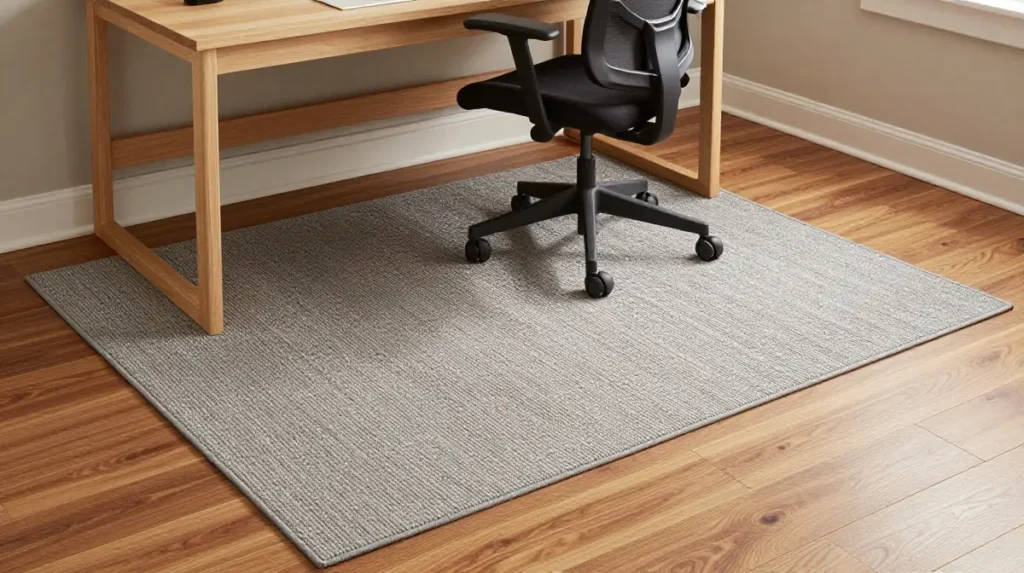
Flooring ideas for a home office often get overlooked. A rug under your desk and chair softens the space acoustically and visually. It also protects hard floors from chair wheel damage.
Choose a flat-weave rug if you use a rolling chair, as thick pile rugs can make movement awkward.
Refresh Your Space Seasonally
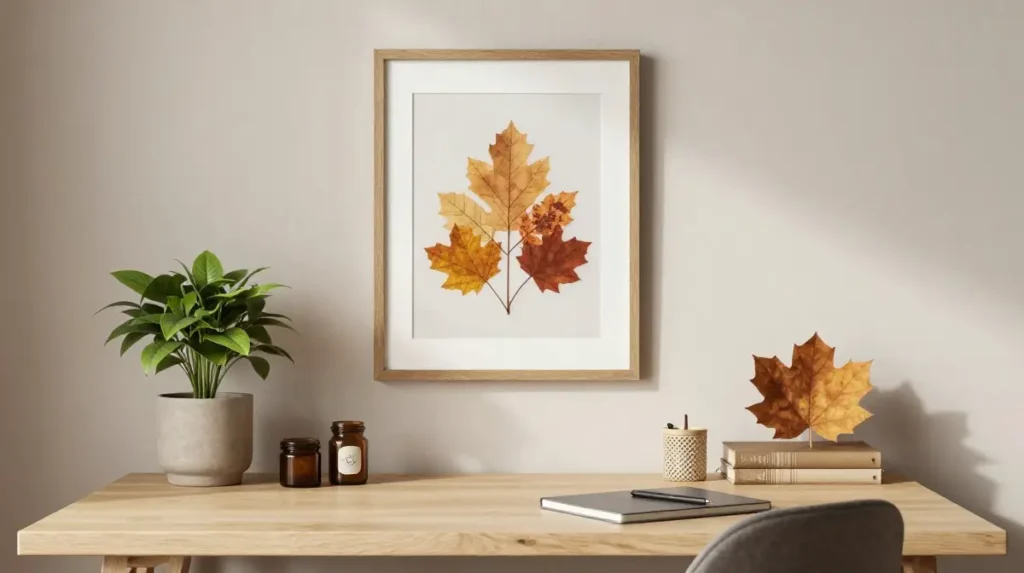
A home office makeover does not have to be a full renovation. Switching out a few small accessories, rearranging your desk layout, adding seasonal plants, or changing your wall art can make the space feel new again.
Regular small updates keep the space feeling current and prevent that stale, stuck feeling that can creep into a space you occupy every day.
Balance Inspiration With Function
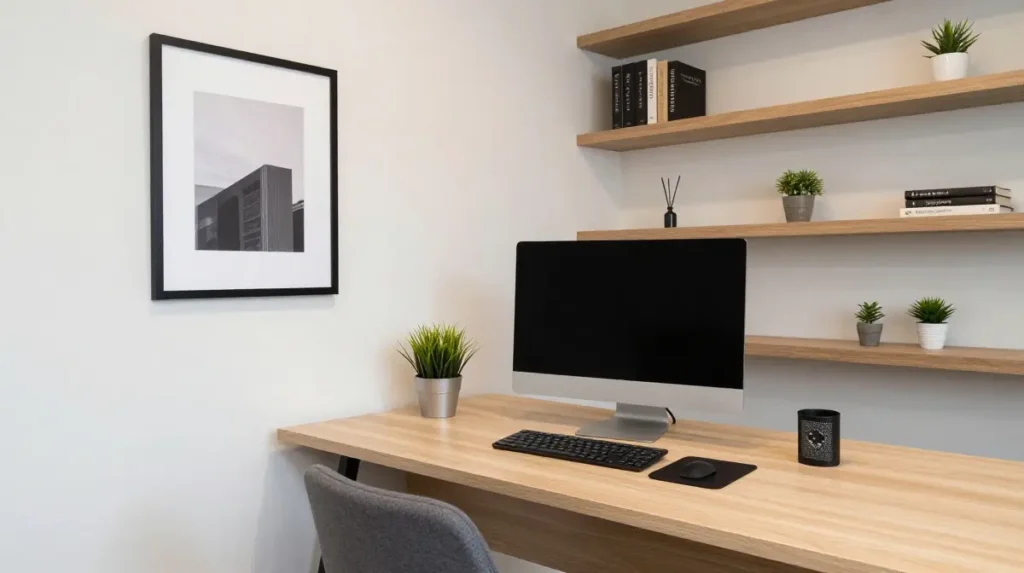
The best home office inspiration you will find is rooted in spaces that work as well as they look. Prioritize function first, then layer in the styling. A beautiful desk covered in decorative items but with no room to work is just a display shelf.
Aim for a professional home office look that you can also genuinely use every day without moving things around constantly.
Quick Comparison Table: Home Office Styles at a Glance
| Style | Key Features | Best For | Budget Level | Typical Colors |
|---|---|---|---|---|
| Minimalist | Clean surfaces, simple furniture | Focus-driven workers | Low to mid | White, grey, cream |
| Scandinavian | Natural wood, light tones | Calm, tidy workers | Mid | White, beige, pale wood |
| Industrial | Metal, dark tones, raw textures | Bold, creative workers | Mid to high | Black, grey, dark wood |
| Cozy | Soft lighting, warm tones | Long hours, comfort seekers | Low to mid | Warm neutrals, deep tones |
| Luxury | Premium materials, layered design | Style-focused professionals | High | Navy, emerald, rich wood |
| Biophilic | Plants, natural textures, light | Wellness-focused workers | Low to mid | Green, brown, soft white |
Conclusion
A well-thought-out home office design is not about having the most expensive furniture or the largest room. It is about creating a space that supports your work, fits your style, and makes your day a little easier. Start with the basics, get your ergonomics right, manage the light, and keep things organized. Then build from there, adding personality and comfort over time.
Whether you are starting fresh or refreshing what you already have, small changes add up. Your workspace should work for you.
You may also like this: 22 Farmhouse Sink Design Ideas for Timeless Kitchens
Frequently Asked Questions
1. How do I design a home office in a small space?
Focus on vertical storage, a floating or compact desk, and furniture scaled to the room. Keep surfaces clear and use wall space for shelving and organization.
2. What color is best for a home office?
Soft blues and greens support focus. Warm neutrals feel comfortable for long sessions. Avoid very dark colors in rooms with limited natural light.
3. Do I need a standing desk for a home office?
Not necessarily, but alternating between sitting and standing helps with comfort during long workdays. A desktop riser is a budget-friendly alternative to a full standing desk.
4. How can I make my home office look professional on video calls?
Position your camera at eye level, use lighting that illuminates your face from the front, and keep the area behind you tidy and styled simply.
5. What is the most important piece of furniture for a home office?
A good ergonomic chair comes first. You can work around a basic desk, but sitting in an unsupportive chair for hours causes real physical discomfort over time.